Anúncios
Profile photos are small images that show who you are on apps like Instagram, TikTok, and professional networks.
They include avatars, headshots, and outfit posts used as display pictures. Many of these photos are public by default.
Anúncios
This means anyone can download, share, or reuse your images without asking you first.
This article will help you protect your profile photos with easy steps that work on your phone.
It covers digital privacy basics, ways to protect images, strong account habits, plus tools for monitoring and reporting.
The tone is friendly and clear—like a smart friend sharing quick tips you can try right now.
Small changes can make a big difference. Adjust privacy settings or remove location data to stay safer online.
Add subtle watermarks to protect your online dating and work reputation. These steps help you keep control of your images without fuss.
Key Takeaways
- Protect Your Profile Photos by checking privacy settings first.
- Understand that profile photos can be saved and shared without permission.
- Use simple image protection methods like metadata cleanup and subtle watermarks.
- Improve digital privacy with stronger account security and sensible sharing habits.
- Track misuse with reverse image search and report stolen photos when needed.
Protect Your Profile Photos
Profile photos shape first impressions on apps like Instagram and Tinder. They show your identity, style, and intent.
Small choices about what to show and hide create big differences for your privacy and security online.
Why protecting profile photos matters for digital privacy
Public images are searchable and indexed by platforms and search engines. One photo can link to other accounts.
Controlling who can see your photos helps limit who can contact, tag, or claim your likeness.
Risks of exposed images: impersonation, doxxing, and misuse
- Impersonation: Cropped or copied profile photos can create fake accounts on Facebook or dating apps to contact friends or followers.
- Doxxing: Background details like receipts, street signs, or badges reveal locations and routines that help doxxers.
- Misuse and manipulation: Photos may appear in ads, altered images, or deepfakes that misrepresent the real person.
How stolen or misused photos affect online dating and professional reputations
In online dating, stolen photos make fake profiles that harass matches or break trust for the real owner.
This situation makes meeting new people harder and more stressful.
For professionals and creators, photo misuse can cause false endorsements, misattribution, and harm reputations.
Fixing misuse takes time and can damage mental well-being.
Practical steps reduce exposure but may not guarantee full privacy.
Simple habits improve image protection and strengthen your security in digital life.
Practical Image Protection Techniques for Social Media and Dating Sites
Practical steps make it easy to protect your profile photos without spoiling your feed’s look. These tips focus on simple actions anyone can use. They improve image protection and support privacy on social apps and dating platforms.
Privacy settings to limit who can see and download your photos
- Review audience controls on Instagram and TikTok. Switch to private accounts to limit viewers to only approved followers.
- Choose dating apps that offer selective visibility or blurred photos. Photos show only after a match or request.
- Share ephemeral content using story or archive features instead of permanent photos. This protects sensitive looks.
- Check if platforms allow downloads or sharing. Enable restrictions to reduce casual saving of your images.
Using watermarking and subtle branding without ruining the image
- Add a small, tasteful watermark or brand tag in a corner. It makes images less attractive to reuse.
- Keep the mark low-opacity near the edge. This protects fashion details while staying discreet.
- Use a transparent overlay or signature to resist quick reposts but preserve the photo’s vibe.
- Try batch watermarking tools on mobile. They keep color and resolution intact for multiple photos.
Choosing the right photo resolution and cropping to reduce misuse
- Upload moderate-resolution files instead of ultra-high-res originals. This lowers the appeal for misuse.
- Crop to highlight the face or outfit detail. Remove unnecessary background information to protect context.
- Avoid full-frame shots that show interiors, street signs, or membership cards. These reveal personal details.
Managing location metadata (EXIF) and removing identifying details
- Know many phones embed EXIF data with location, device, and timestamp information.
- Use built-in settings or apps to strip location metadata before uploading photos online.
- Scan backgrounds to blur or remove landmarks, license plates, receipts, or other identifying items.
- When sharing outfit test images for fashion programs, crop or blur tags and order receipts. This avoids revealing transaction details.
These tactics help protect your profile photos and support your digital privacy goals. They work well for Instagram posts and safer online dating profiles.
Security Practices and Tools to Strengthen Profile Photo Safety
Smart account habits help protect your profile photos and keep your digital privacy safe. A few focused steps on mobile or desktop lower risks. These steps improve image protection without changing how you share your style moments.
Account security basics
- Use unique, strong passwords for each app. Reusing one password can put many photos at risk.
- Store and generate passwords with a manager like 1Password or Bitwarden. This simplifies secure logins on iPhone and Android.
- Turn on multi-factor authentication (MFA) with apps like Google Authenticator or Authy. It is safer than SMS codes.
- Review connected apps and remove access for services you no longer use to limit third-party risk.
Spotting phishing and fake requests
- Be cautious of direct messages asking for high-resolution or “verification” photos not following usual platform rules.
- Verify new contacts by checking mutual followers, linked accounts, or public activity before sharing original profile photos.
- Watch for red flags like pressure to move off-platform, urgent demands, or mismatched account details.
Tools for image monitoring and reverse image search
- Use reverse image search tools like Google Images or TinEye to find where your profile photos appear online.
- Try monitoring services like Pixsy or ImageRights to scan for copies and help with takedown requests.
- Check sample images from your profile often to spot misuse early and protect your images better.
When and how to report stolen or misused photos
- Follow platform reporting flows to report impersonation, copyright violations, or stolen profile photos.
- Collect proof such as original files, timestamps, and screenshots to support takedown requests and speed reviews.
- If misuse includes threats, blackmail, or doxxing, keep records and contact law enforcement to escalate the case.
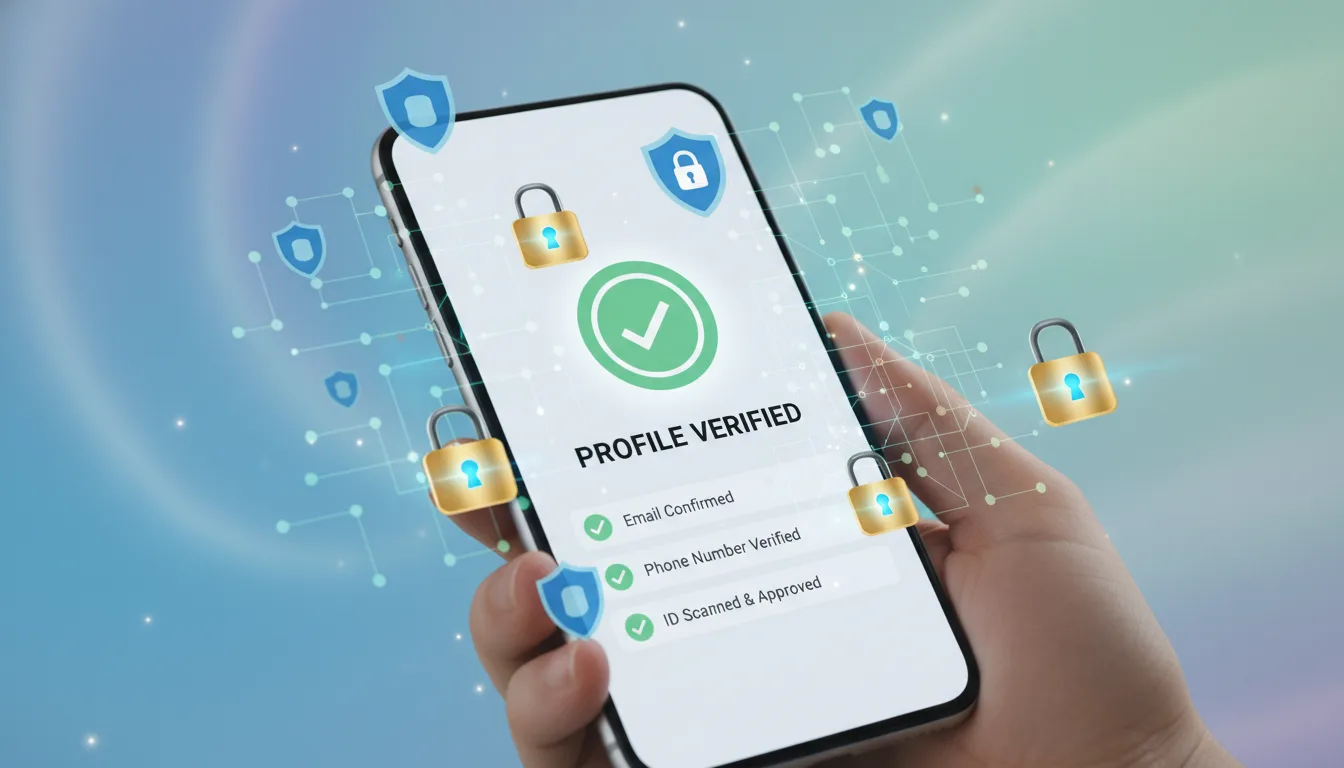
- Use platform verification options when available to reduce impersonation risk and increase security.
Conclusion
Protect your profile photos by taking clear, mobile-friendly steps. Review and tighten privacy settings on social and dating apps.
Add subtle watermarks, limit resolution, and crop images to remove details that can identify you. These small steps help.
For strong image protection, strip EXIF data. Blur backgrounds that reveal your location to keep your privacy safe.
Strengthen account security with unique passwords and a password manager. Use MFA to support privacy and protect photos online.
Monitor images with reverse search tools. Report misuse quickly to platforms or authorities for fast action.
Check settings often and update them after app changes. Review profile photos seasonally to keep your protection strong.
Take one quick action today: check a privacy setting or remove EXIF from a recent photo.
These precautions won’t erase all risks, but regular steps make a real difference for privacy and image safety.
Content created with the help of Artificial Intelligence.